Quick Create:
From inquiry to property faster
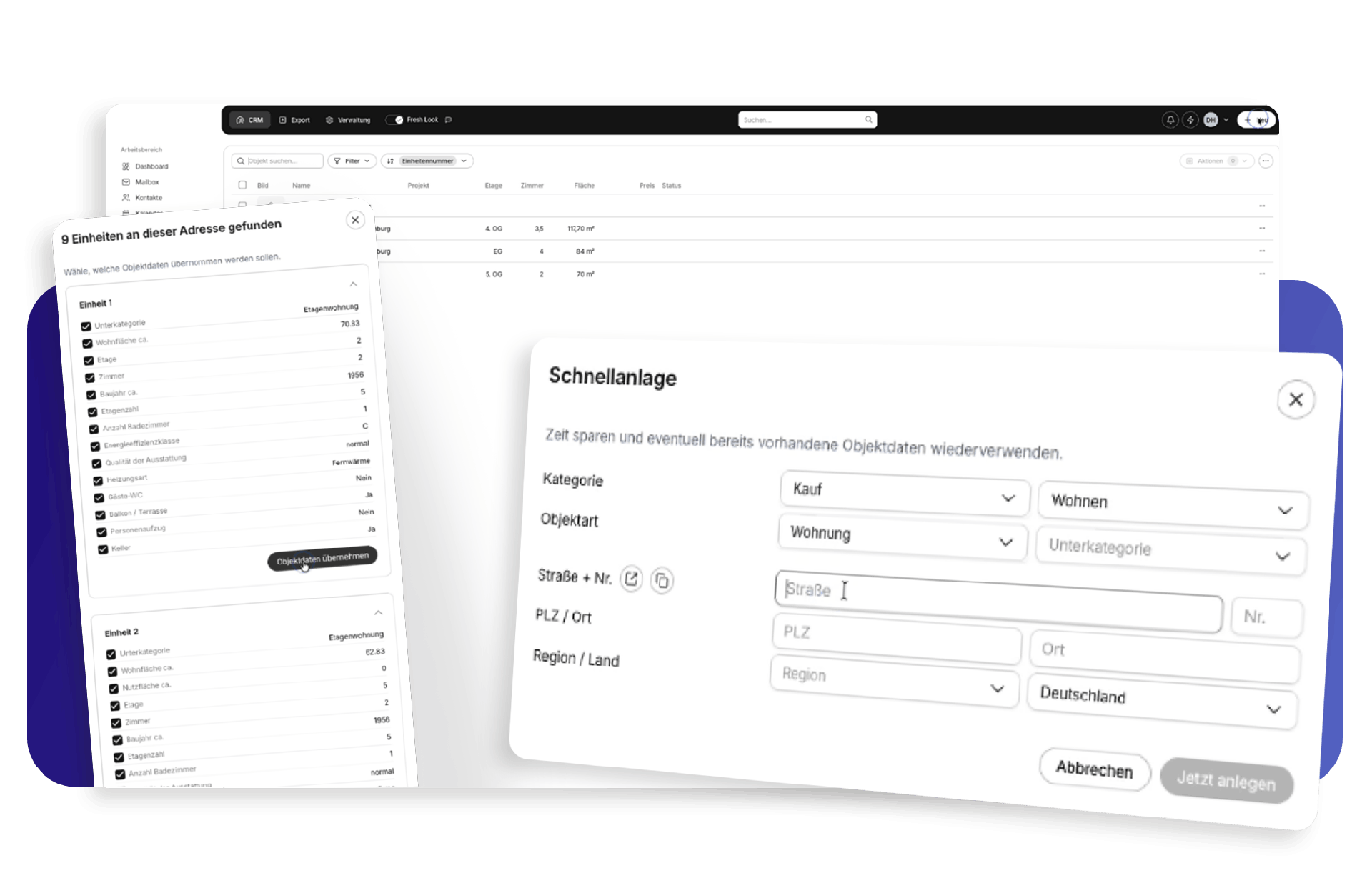
Creating new properties is one of the core tasks in daily real estate work. At the same time, it often takes time because relevant information needs to be captured, verified, and made usable for further processing in a structured way.
Quick Create makes this process more efficient.
In the future, just a few details will be enough to get started with further property processing faster. Propstack helps capture, structure, and make relevant information usable as a foundation for further marketing more quickly.
This reduces manual input and creates a clean data foundation earlier for listings, communication, marketing, and internal follow-up processes.
For agents, this means: start faster, maintain less, and get to actual marketing sooner.
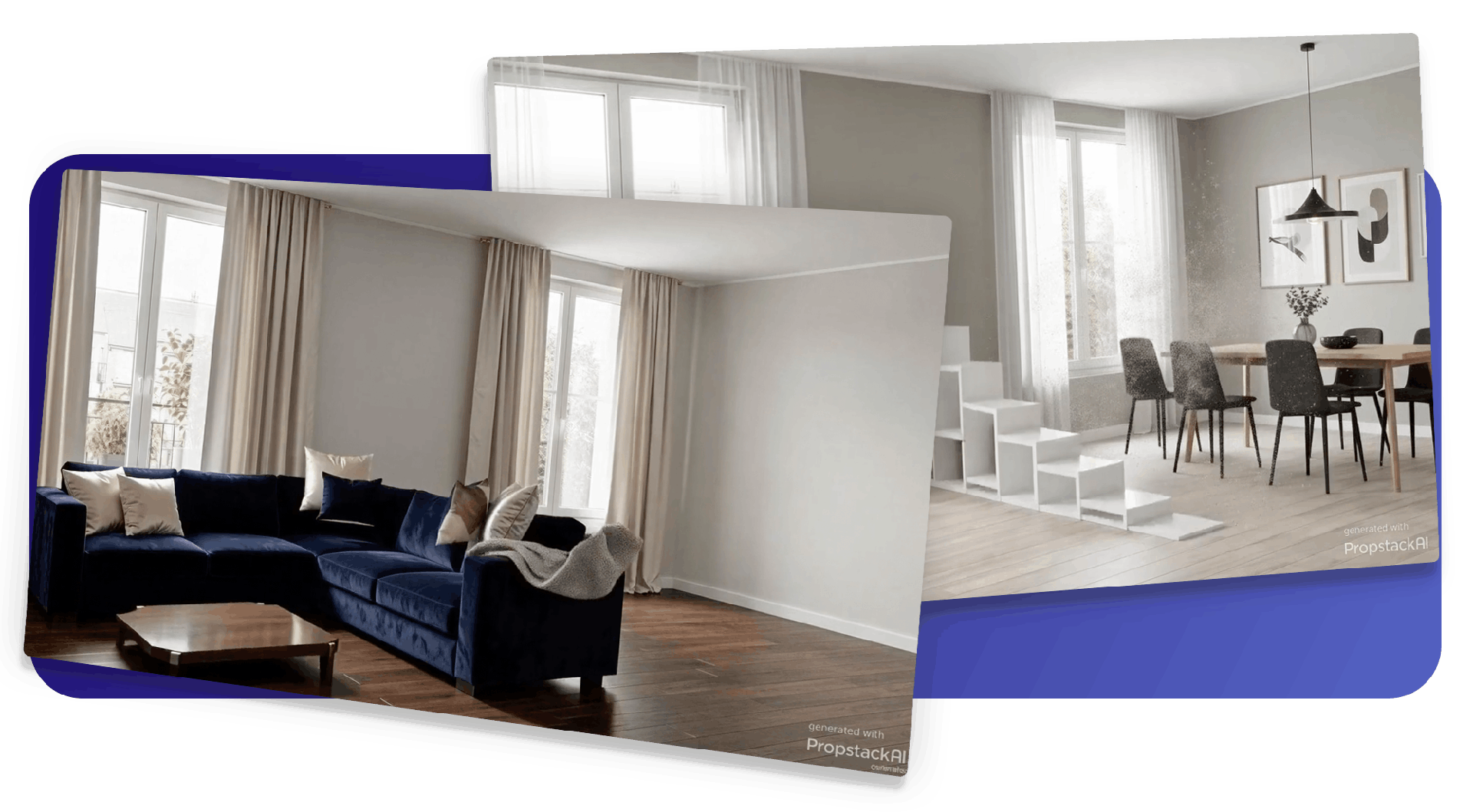
Creation starts with just a few clicks once a home staging result is available. Aspect ratio and property manager can be configured. The finished video is then saved in the property’s document area.
This turns an AI-powered home staging result into additional marketing content that can be used directly in the property context.
Dark Mode:
Work more comfortably in Propstack
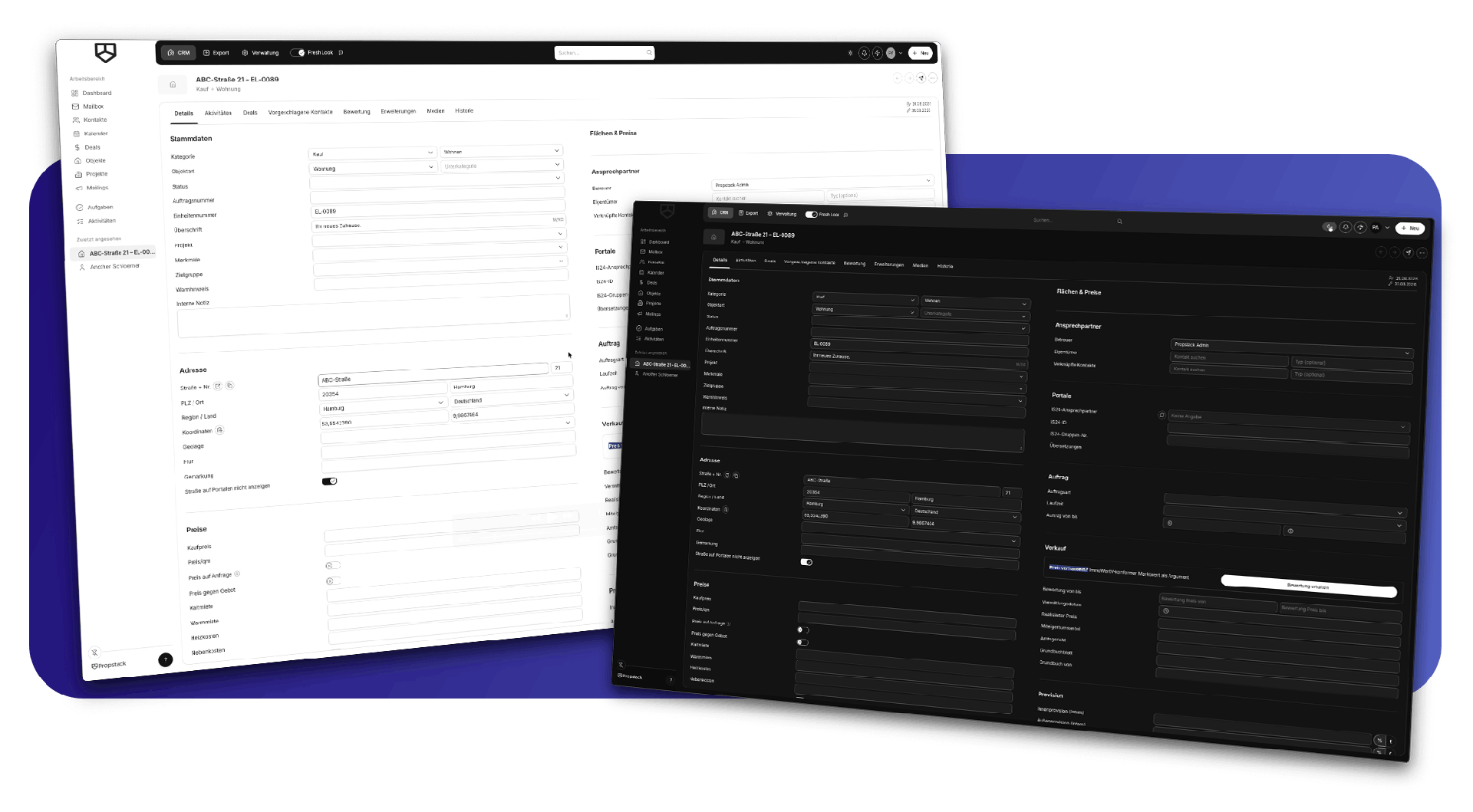
Propstack is getting a Dark Mode.
The main adjustments are already available and are currently being tested in beta. This isn’t just about a dark interface, but about a consistent and readable display of core work areas.
Input fields, selection fields, formatted text, settings, and commercial features have also been further optimized for dark mode.
The goal: Propstack should remain comfortable to use even during long workdays, changing lighting conditions, or focused screen work.
For users, this means more flexibility and comfort in daily work.
Workflow Builder:
Manage workflows more easily
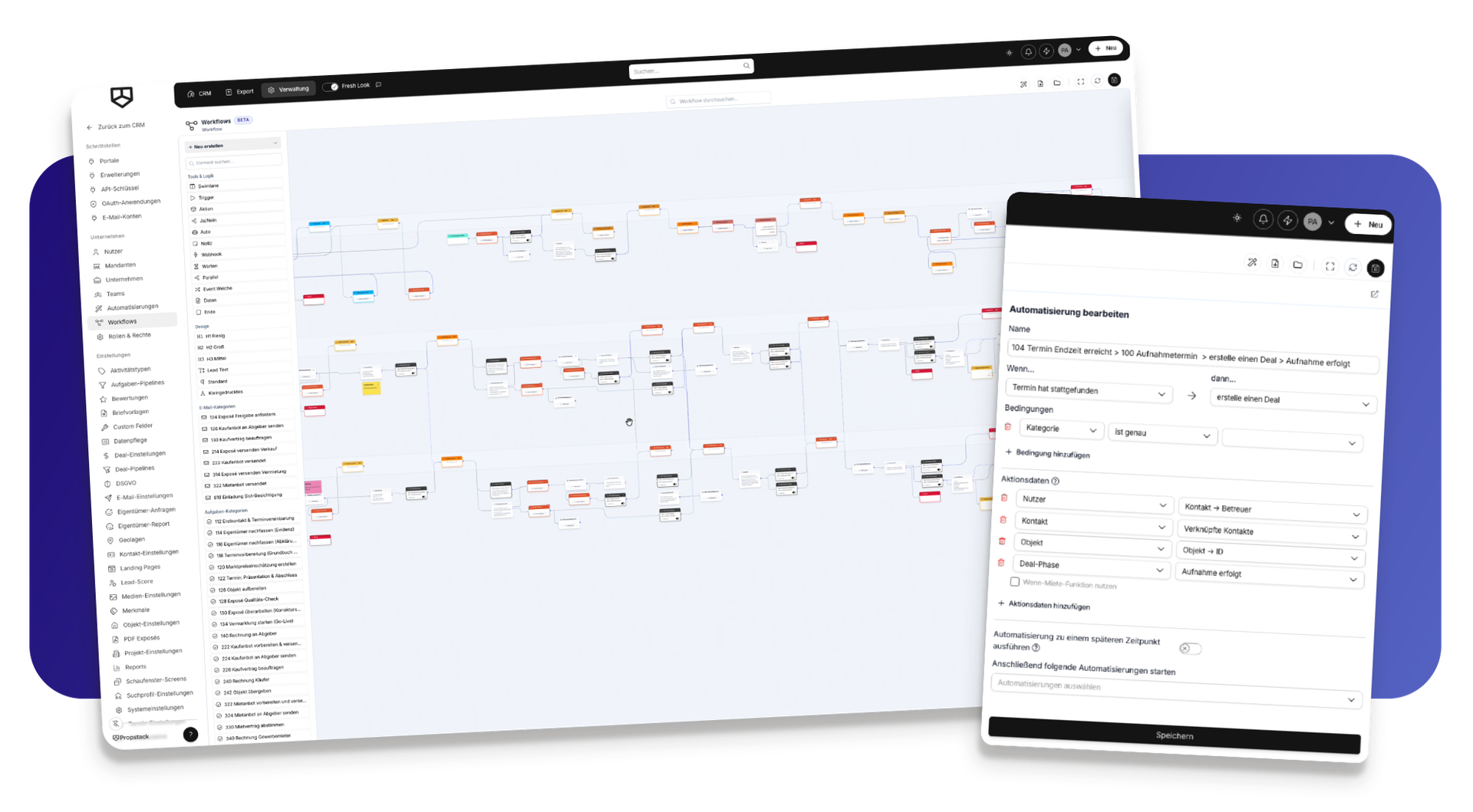
The Workflow Builder has also been further improved.
Workflow nodes can now be accessed and selected directly via link. Additionally, the full-screen view and nodes have been visually redesigned to make working with more complex processes clearer.
This is especially relevant for teams that map and automate recurring processes in Propstack.
Automations are easier to understand, can be opened more precisely, and are better to edit. This makes the Workflow Builder not only more powerful, but also easier to control.
Backbone Integration:
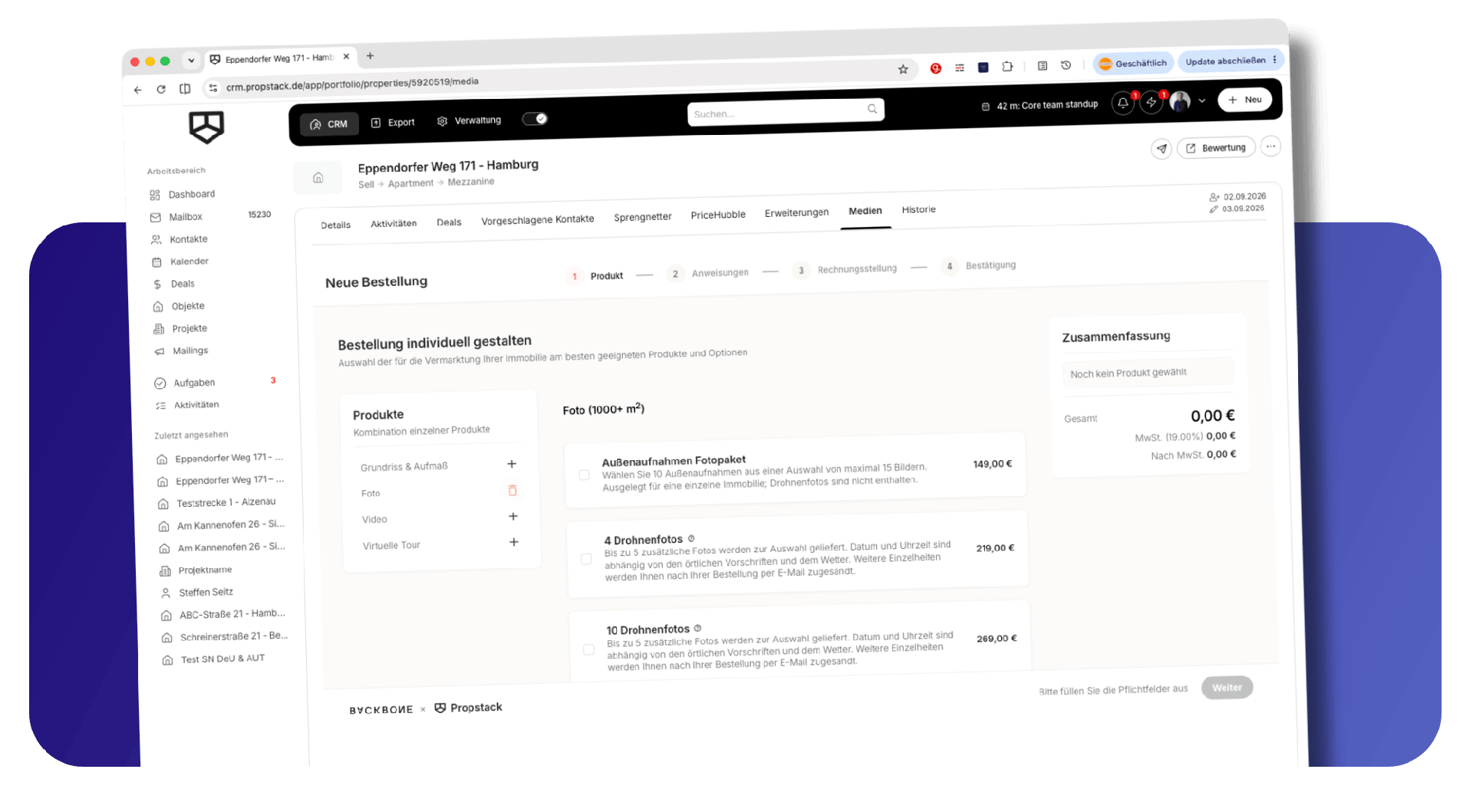
Order media products directly from Propstack
Professional media are an important part of successful property marketing. At the same time, media breaks often occur in daily work when photo appointments, floor plans, videos, or other services are ordered and tracked outside the CRM.
With the Backbone integration, professional media products can now be ordered directly from Propstack.
From a property’s media tab, you can order photos, videos, drone footage, floor plans, virtual tours, and energy certificates, among other things. Order progress is directly trackable in Propstack. Finished media are automatically assigned to the respective property and stored in the media area.
This makes the marketing process more seamless: fewer tool switches, clearer status tracking, and professional media right where property marketing is prepared.
Proppi and AI appointment preparation:
AI remains a strategic priority
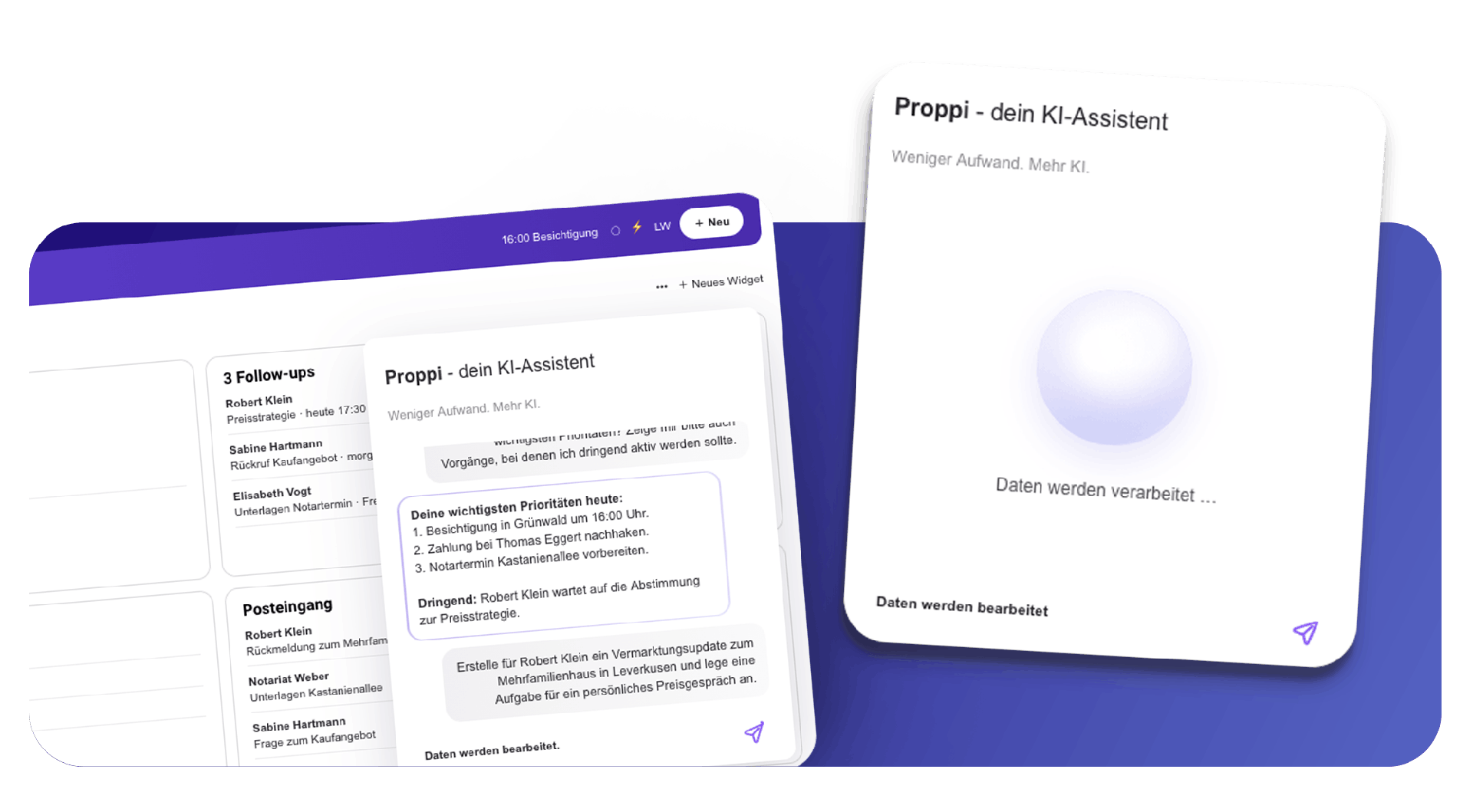
Proppi was introduced in the last changelog as an AI assistant directly in Propstack. Since then, Propstack has been consistently developing AI support in the CRM context.
One example is AI appointment preparation. It helps bring together relevant information before owner meetings, viewings, or client conversations faster and prepare it clearly.
Context is important here: AI in Propstack is not conceived as an isolated add-on tool, but as support within existing CRM processes. Contacts, properties, emails, notes, tasks, and appointments become relevant where agents work every day.
This keeps AI a central development focus of Propstack—not as an end in itself, but for concrete relief in daily real estate work.
Commercial Stacking Plan:
Commercial remains in focus
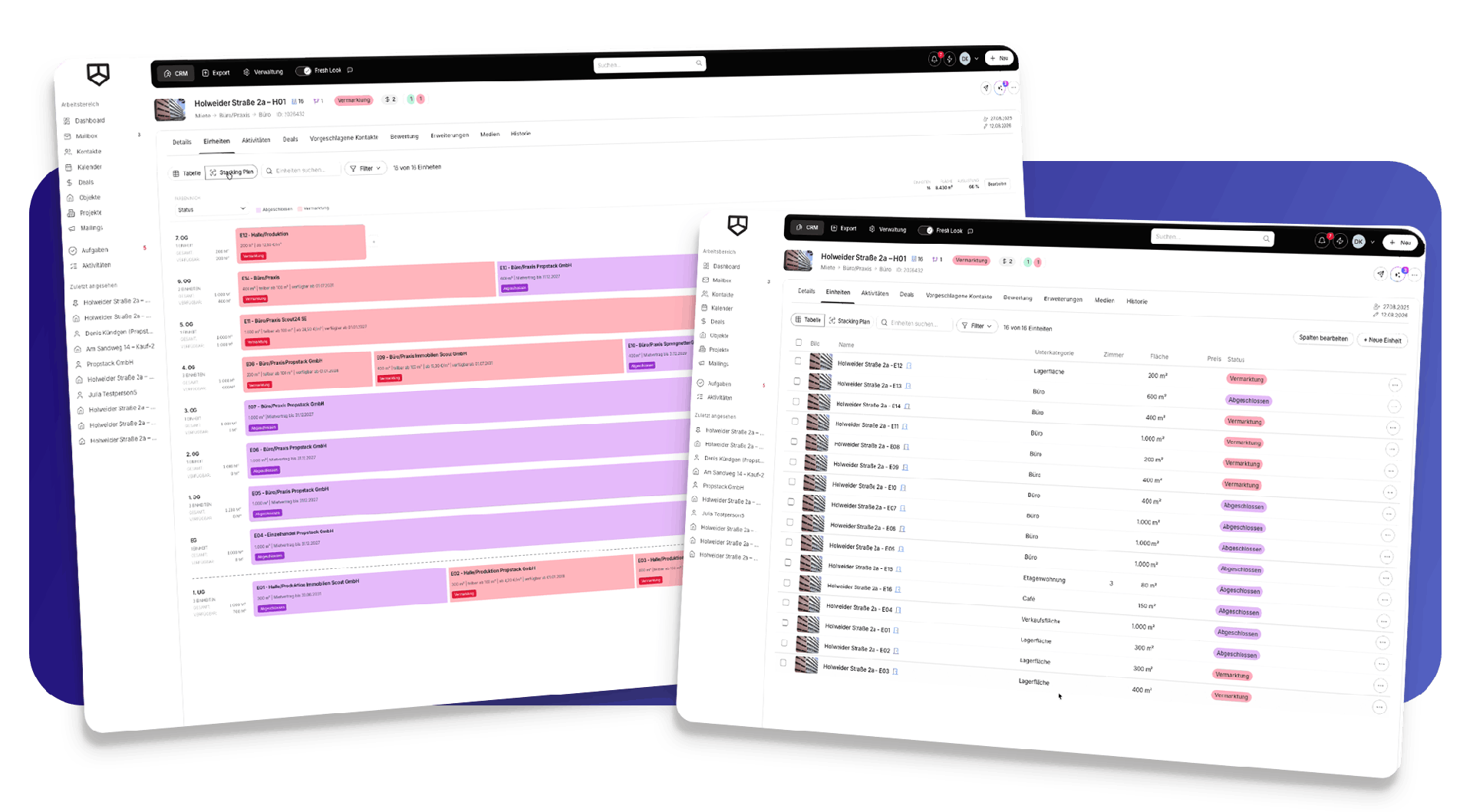
The Commercial area has also been significantly expanded recently.
With the Commercial Stacking Plan and improved unit views, commercial property structures can be displayed more clearly, units compared faster, and complex commercial properties processed more efficiently.
Since Commercial is now a separate, growing work area in Propstack, the new capabilities will be presented in more detail soon.
For commercial agents, this means: more structure, better comparability, and clearer representation of complex property and unit scenarios in the CRM.
Mobile Use:
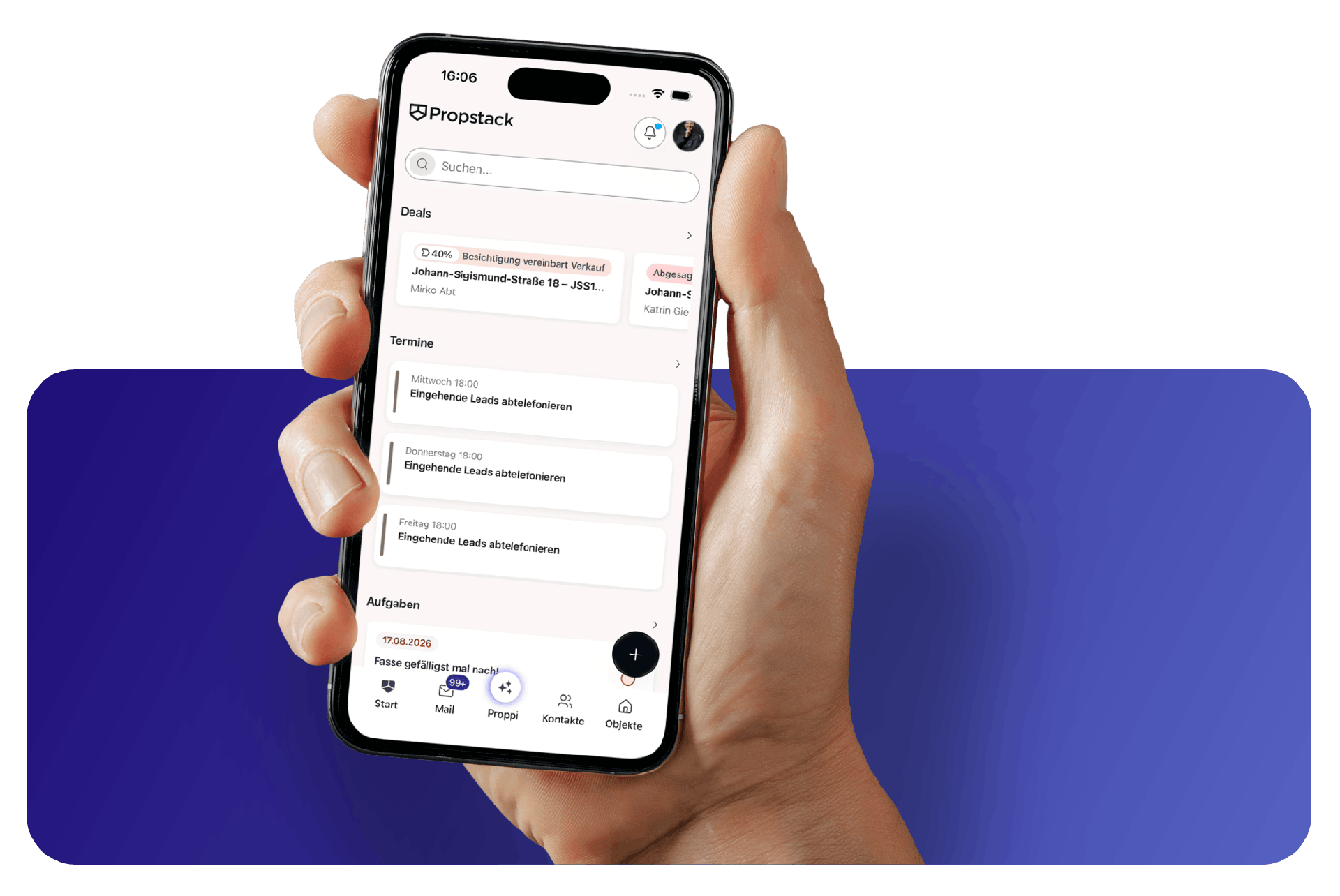
Test the new Propstack App as a beta tester
Mobile use of Propstack is also being further developed.
Alongside current product updates, Propstack is working on the new app. Users who want to test new mobile workflows early and provide feedback can register as beta testers.
This allows practical feedback to flow directly into the development of mobile use.